If you turn on the function, your imessages will be. You can enjoy texting with your favourite backgournd on iphone from then on.
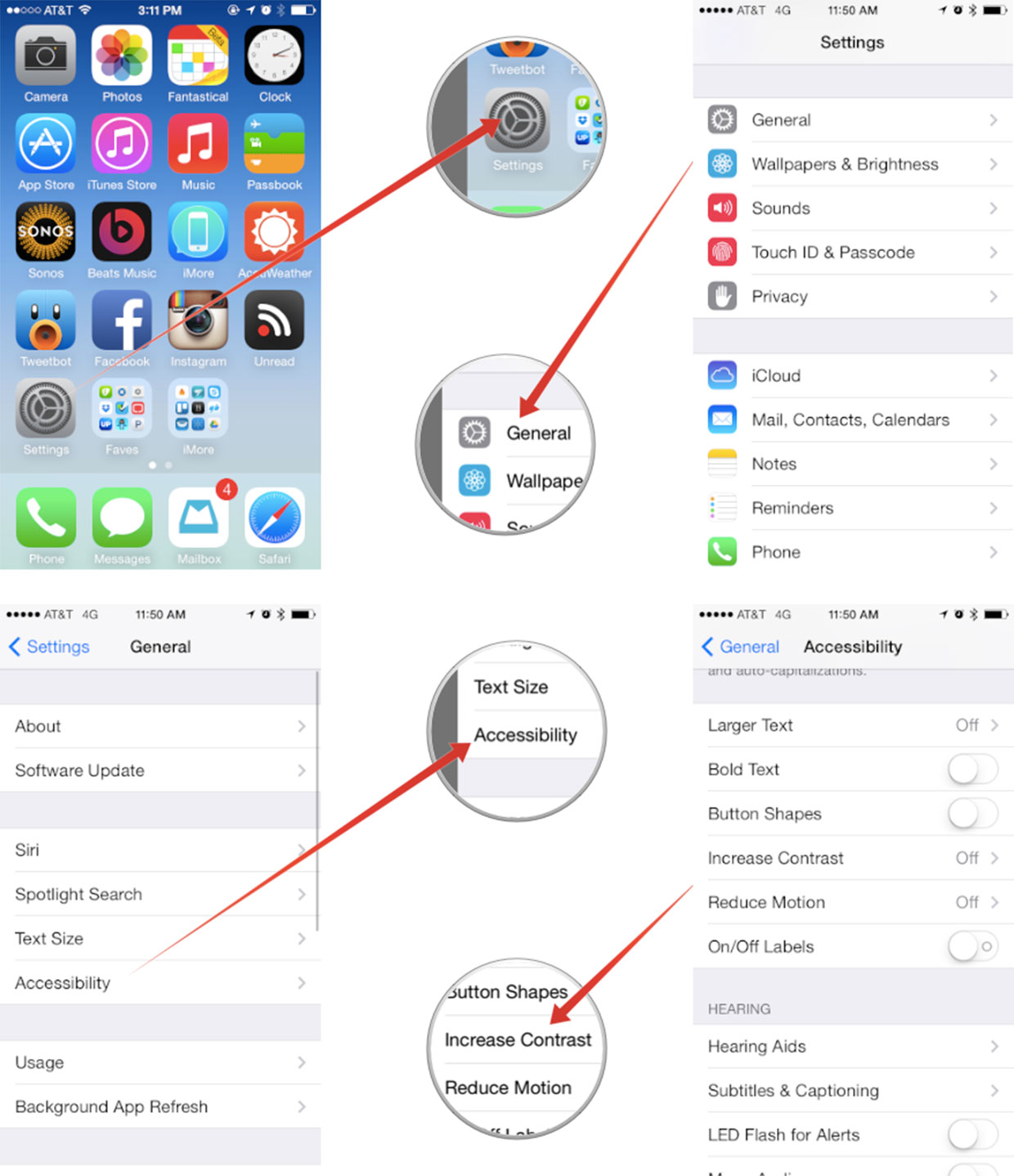
How To Darken Colors For Better Visibility In Ios 71 Imore
Tap on the one you want to use.

How to change message color on iphone xr. Turn text message alternative on or off. Open color widgets and go to the widgets pane. Change font size and style for iphone mail app, notes app.
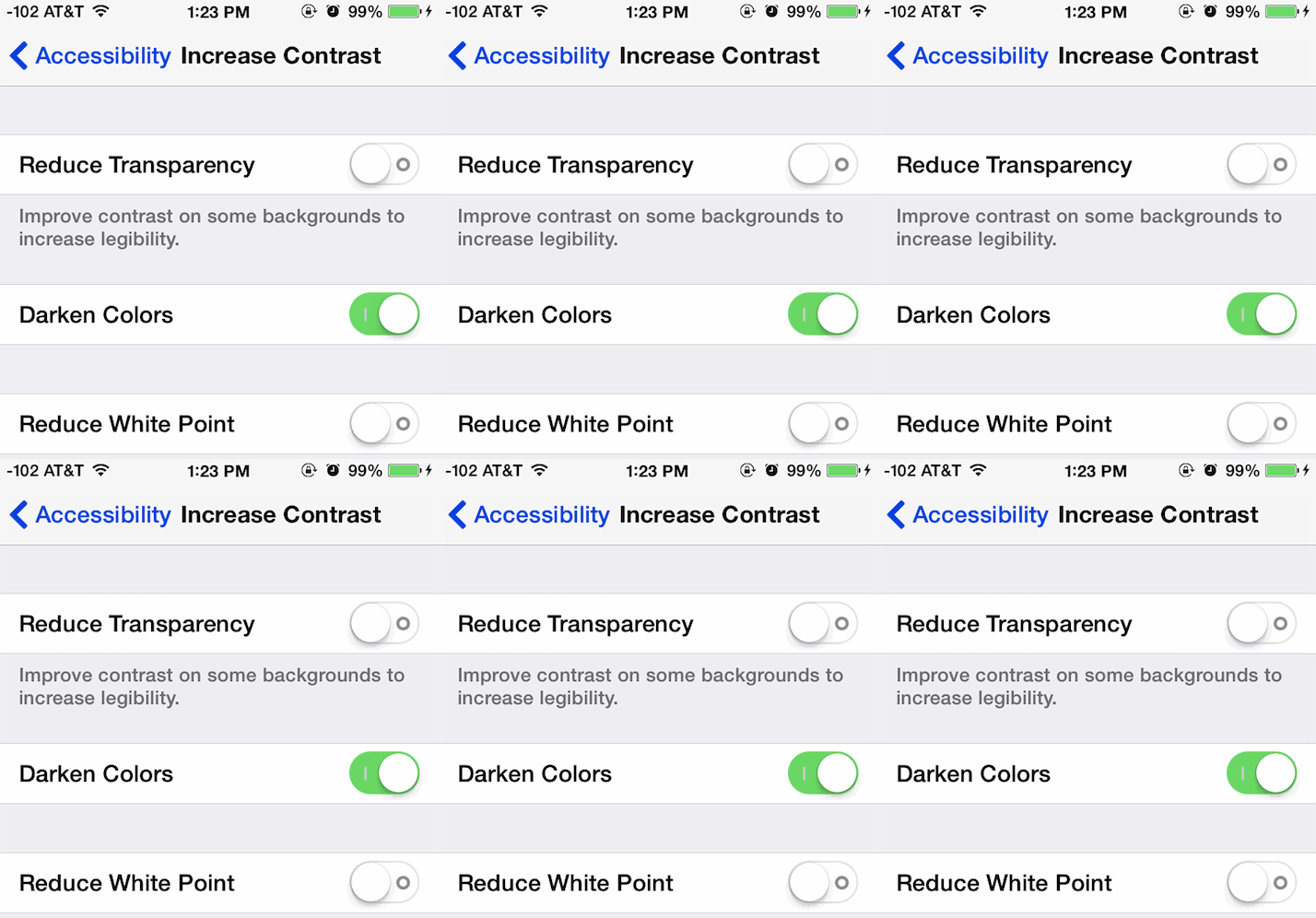
Any responses you customized display in darker text and a round button with an “x” on it displays to the right. In the photo gallery that pops up, select a photo and confirm the crop. Tap settings, general and accessibility. under the vision section you can access a variety of settings that adjust the text message display.
Press the indicator next to send as sms to turn the function on or off. Now the background of your iphone messages app has been changed. That is how to change colour of text message iphone.
Tap the camera icon on the new message screen, select effects and then text. Adjust the screen brightness and color on iphone. Hit i icon on the upper left side of the photo you've selected, and your sms background wallpaper will be changed as the selected one.
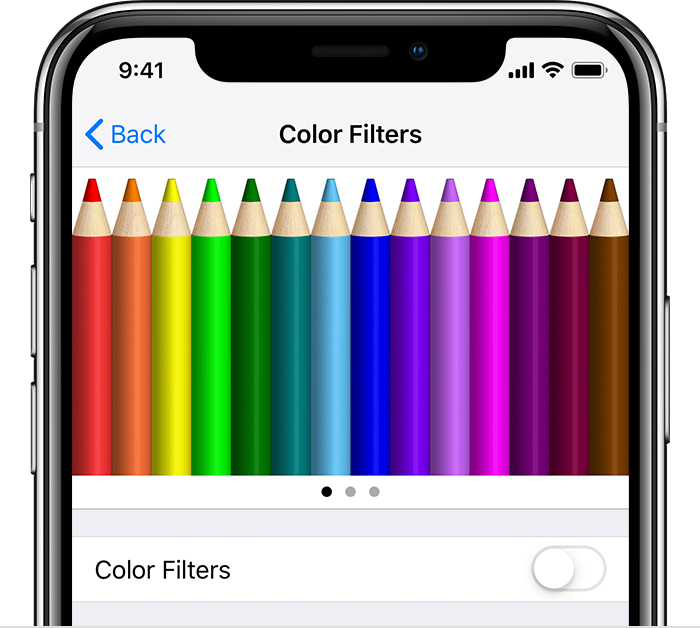
Swipe through the three images to see how the filter will affect the look of your phone. You can only choose from three text message responses for calls. Much like everything else on a memoji, the color of its shirt can be changed.
Under the photos row, select the create your own photo widget option. Apple introduced a new camera effects in ios 12, which allows you to use your photo as the texting backgrounds. Just tap create new style to get a new customized subtitle style, where you can change the font, size, color and more for text and background.
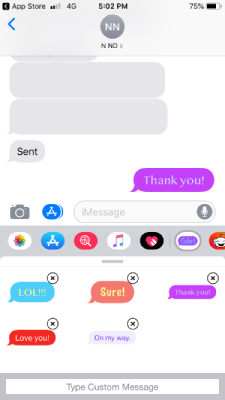
The way the filter affects your iphone is shown by the three images at the top of the color filters screen. This will bring up different colored message bubble options. Press the indicator next to imessage to turn on the function.
Tap in the text input field(where you draft imessages). Select the memoji to edit. To alter the colors, toggle the invert colors setting on.
Tap the large text setting to adjust font size. On iphone, you can make your screen dimmer or brighter (dimming the screen extends battery life). How to change color tint.
Tap the emoji keyboard button. You can change the color tint of your iphone or ipad's entire screen if you have light or color sensitivity. Tap the more (.) button.
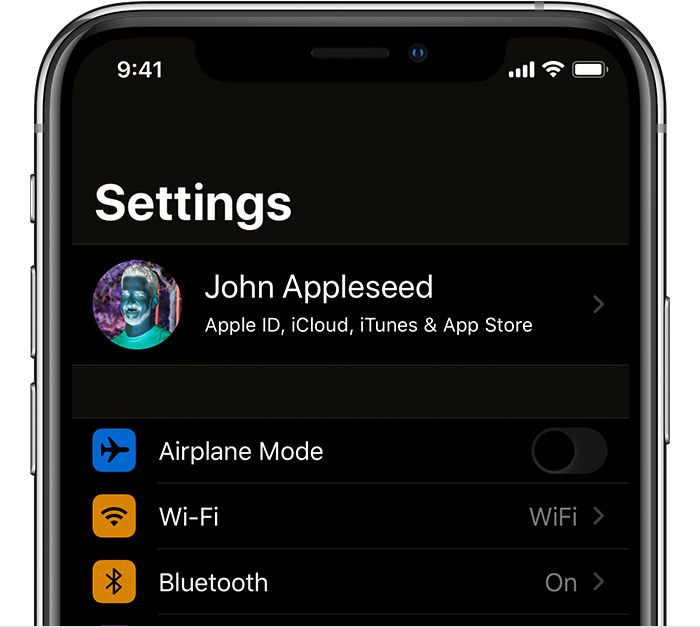
Tap and hold on text or word until you see popup option with b/i/u option. Go to the app settings and find the “wallpaper” option, select the wallpaper you want to use, then click on the “i” icon top left of the picture to apply the changing. For any app that doesn't support native dark mode yet, there is a pretty decent workaround.
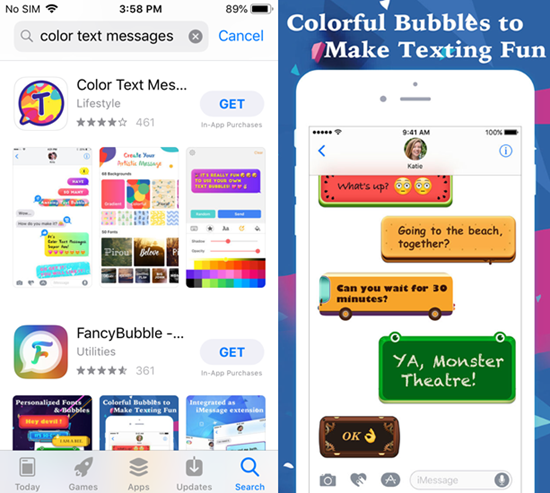
Font styles are various from helvetica, courier, iowan, menlo, trebuchet, avenir, sayoye, copperplate, and more. From the color bubble (highlighed below), select from a range of colors to change text background color on iphone. Select type custom message, and type your message in the bubble.
Smart invert colors is a setting that tries to invert all but the essential colors on your iphone. Launch the messages app and start a new message. Follow these steps to change your memoji shirt color:
Select all text at first tap on it and select i for italic style, b for bold style and u for underline of text. Once it’s downloaded, open the messages app and start a new chat or select an existing conversation. You can adjust the colors on your iphone to adapt to color blindness and light sensitivity.
How to change color filters and tint on an iphone. In this way, you can get more freedom to customize your own text message background. Choose the more (.) button next to frequently used memoji.
You can also adjust the screen brightness and color manually or automatically with dark mode, true tone, and night shift. For example, it'll change white backgrounds to black, but try to keep photos, videos, emoji, etc. In the menu above the keyboard and select color.
Just above the keyboard, in the row of apps, select fancybubble. If you decide to go back to the default response you replaced with your custom response, tap on the “x” button.
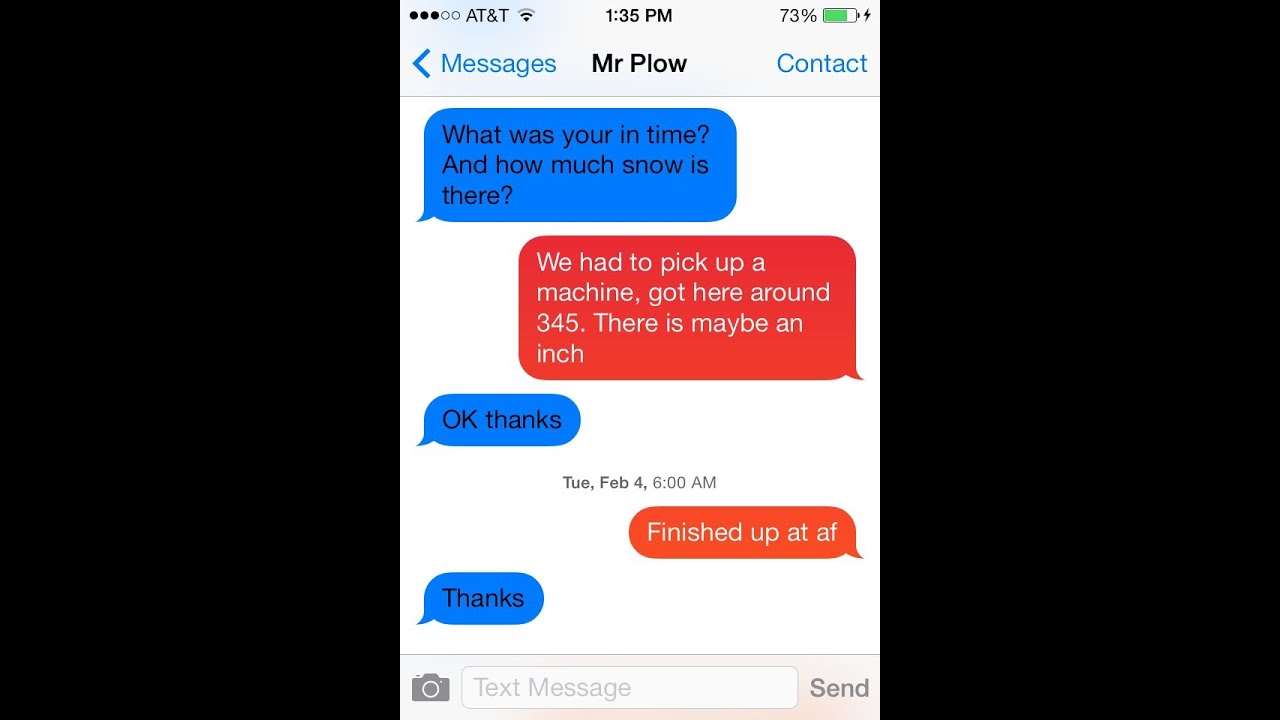
How To Change Your Text Messages Color On Iphone - Youtube
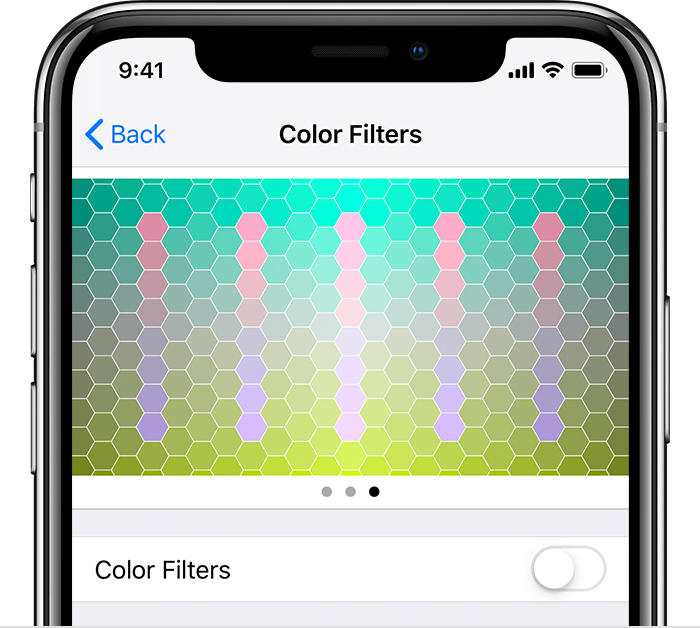
Use Display And Text Size Preferences On Your Iphone Ipad And Ipod Touch - Apple Support

Change Text Color On Iphone Photo Markup Resize Pdf Markup Tools

Change Color Of Imessage Text Bubble In Ios 14 Ios 12

How To Invert Colors On Iphone And Ipad
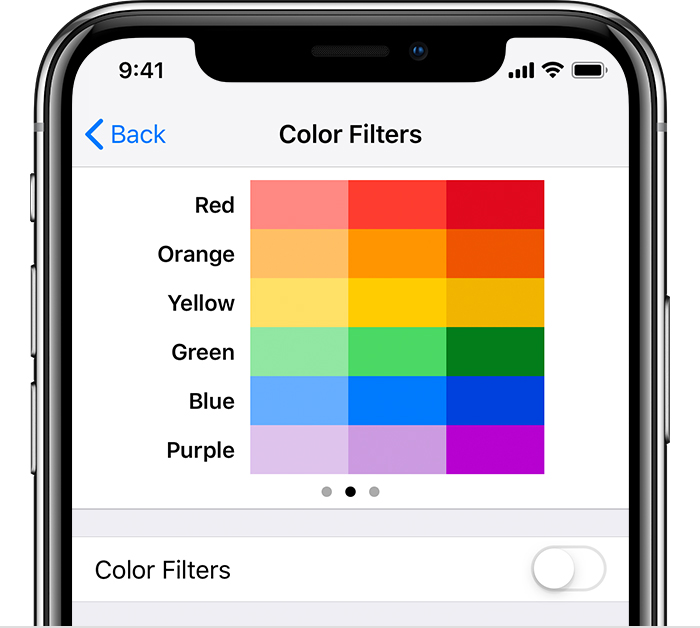
Use Display And Text Size Preferences On Your Iphone Ipad And Ipod Touch - Apple Support

Customize Messages App In Ios 7 With Messages Customiser

20 Trend Terbaru App To Change Photo Background Color Iphone - Cosy Gallery
How To Make Imessage Dark Blue - All Things How
How To Change Color Of My Outgoing Text T - Apple Community
How To Change Messageimessage Background On Iphone
Ios 15 How To Change The Text Message Or Imessage Bubble Color Itechcliq
How To Change Text Colors On Iphone

Change Color Of Imessage Text Bubble In Ios 14 Ios 12

Apple Iphone Xr Imessage Guide How To Send An Imessage On Your Iphone Xr
How To Change Color Of My Outgoing Text T - Apple Community
Use Darken Colors To Increase Text Color Contrast In Ios Osxdaily
Use Display And Text Size Preferences On Your Iphone Ipad And Ipod Touch - Apple Support
Use Display And Text Size Preferences On Your Iphone Ipad And Ipod Touch - Apple Support